

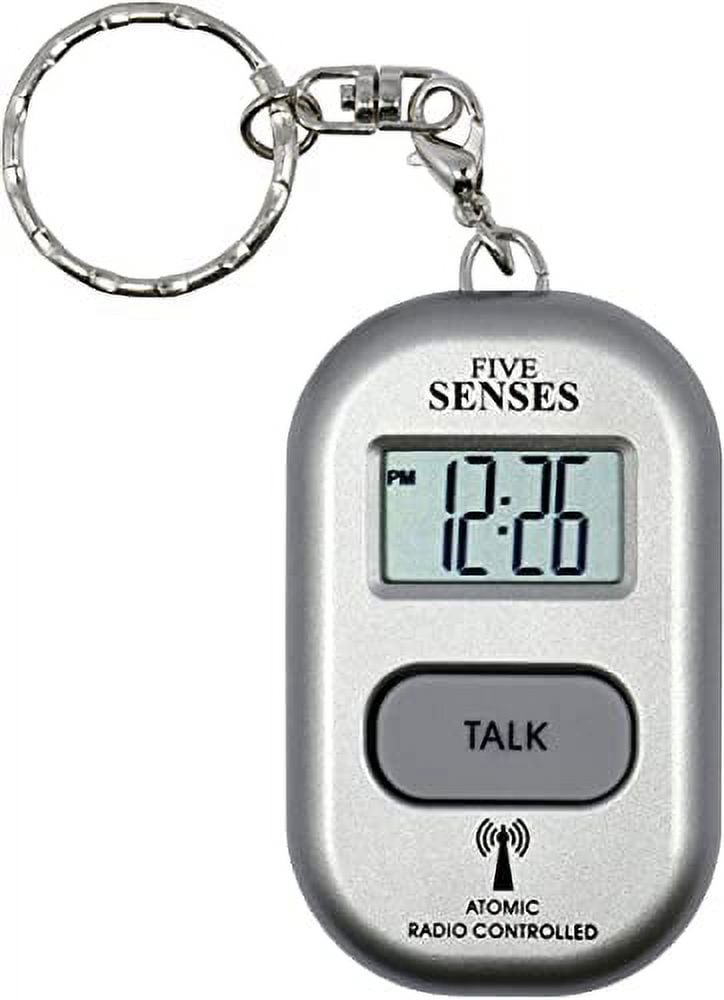
Five Senses Atomic English Talking Watch! - Sets Itself 5 Senses Talking Pendant Plus Key Chain Interchangeable UK & USA User only - Model 1281A - Silver
Product details
| Management number | 238128542 | Release Date | 2026/07/11 | List Price | US$10.20 | Model Number | 238128542 | ||
|---|---|---|---|---|---|---|---|---|---|
| Category | |||||||||
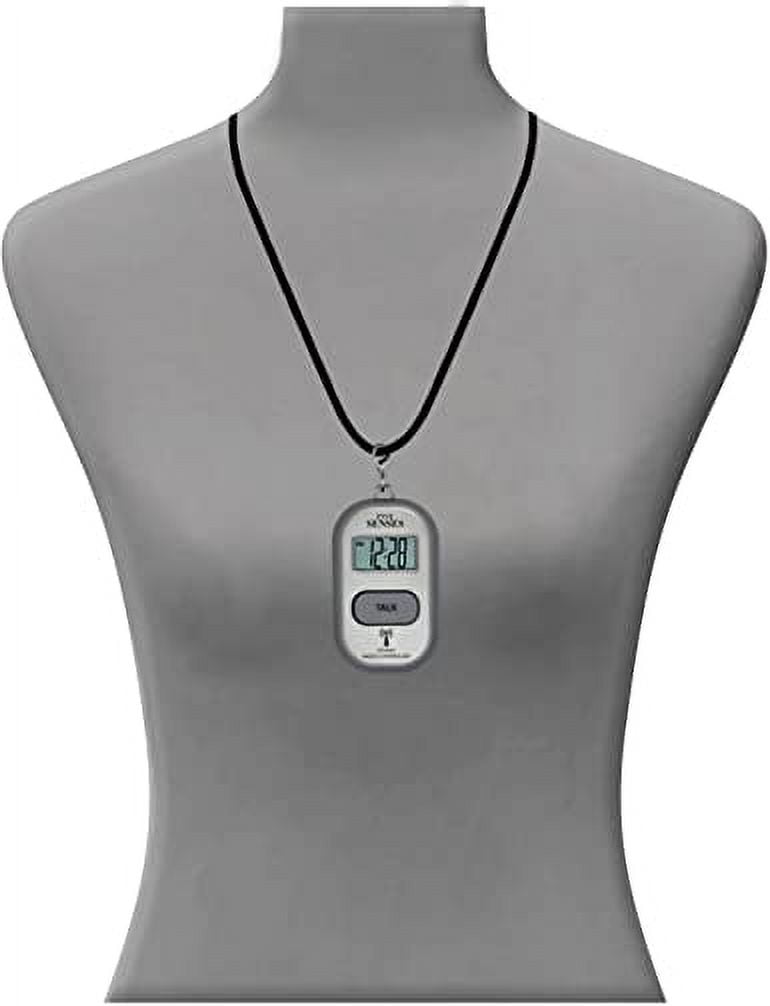
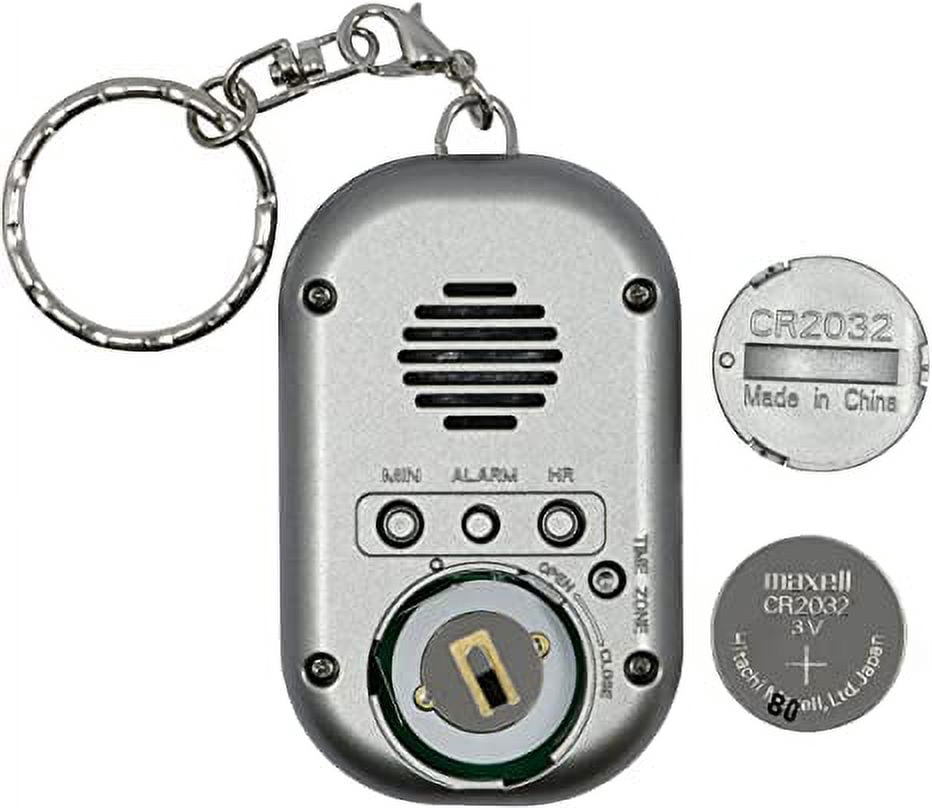
How to set the alarm:<br><br>1. Press and hold the ALARM button until the LCD displays the alarm number 1 (AL1)<br>2. Press ALARM button one by one to select the alarm number (AL1 to AL5 - total 5 alarms)<br>3. After finding the alarm number, press the HOUR button to set alarm hour (watch talks the alarm hour)<br>5. Press the MINUTE button set the alarm minutes (watch will say the alarm minute loud)<br>6. Press ALARM button to confirm after you have set the desired alarm hour and minute. The watch will also confirm your new setting after 1 minute.<br>7. After confirmation, the watch will say the new Alarm Time.<br><br>Remark:<br><br>The Alarm will “BEEP” for 30 seconds when the alarm time goes off. You can turn off the alarm by pressing any button.<br><br>The Alarm is a daily alarm that sets on repeat, so even if you turn off the “BEEP” sound, the alarm will “BEEP” on the next day again.<br><br>To turn off the daily alarm, follow the alarm Off setting below.<br><br>Each time you stop the “BEEP” the watch will say the Alarm Time<br><br>Watch can be attached to a walker or belt loop, ore even worn around the neck. Set up is easy and the clock system also updates itself. Display is easy to read for elderly or people with vision or hearing impairment. Voice announcement is loud with a British accent. <br><br>
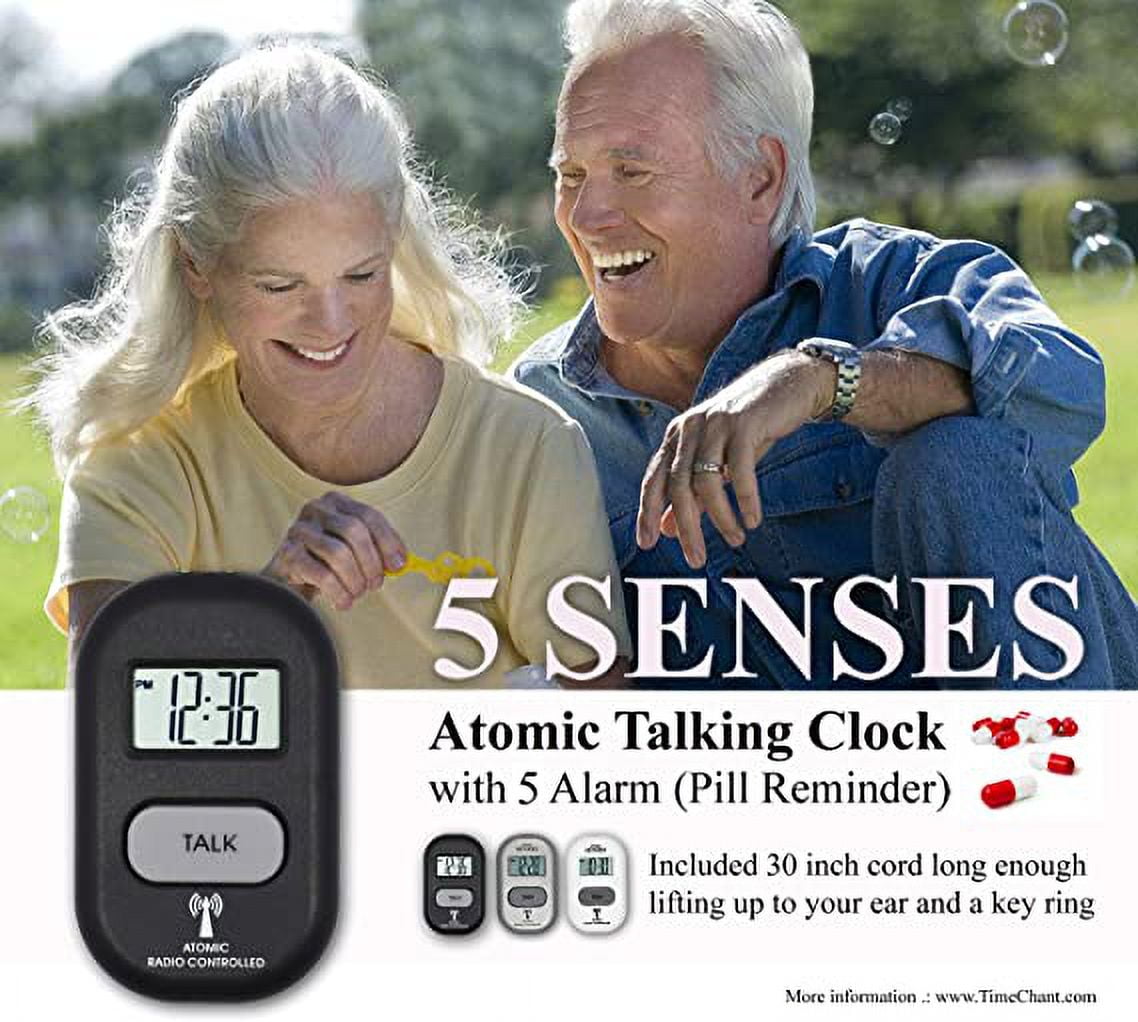
- Sets itself - Time and calendar of the talking pendant watch are set automatically by the radio Atomic clock signal. Adjusts for Daylight Savings.
- Announces time date day month year alarm status & signal reception status.
- With Loud Date-Day and Alarm Clock for Visually impaired, Elderly or Blind. Perfect gift: Alternation of clocks for the visually impaired, talking alarm clock, talking buttons, talking clock, talking clock for blind, low vision aids, talking alarm clock, watches for elderly women, clocks for visually impaired, gifts for blind people, moshi talking alarm clock and talking clock for dementia.
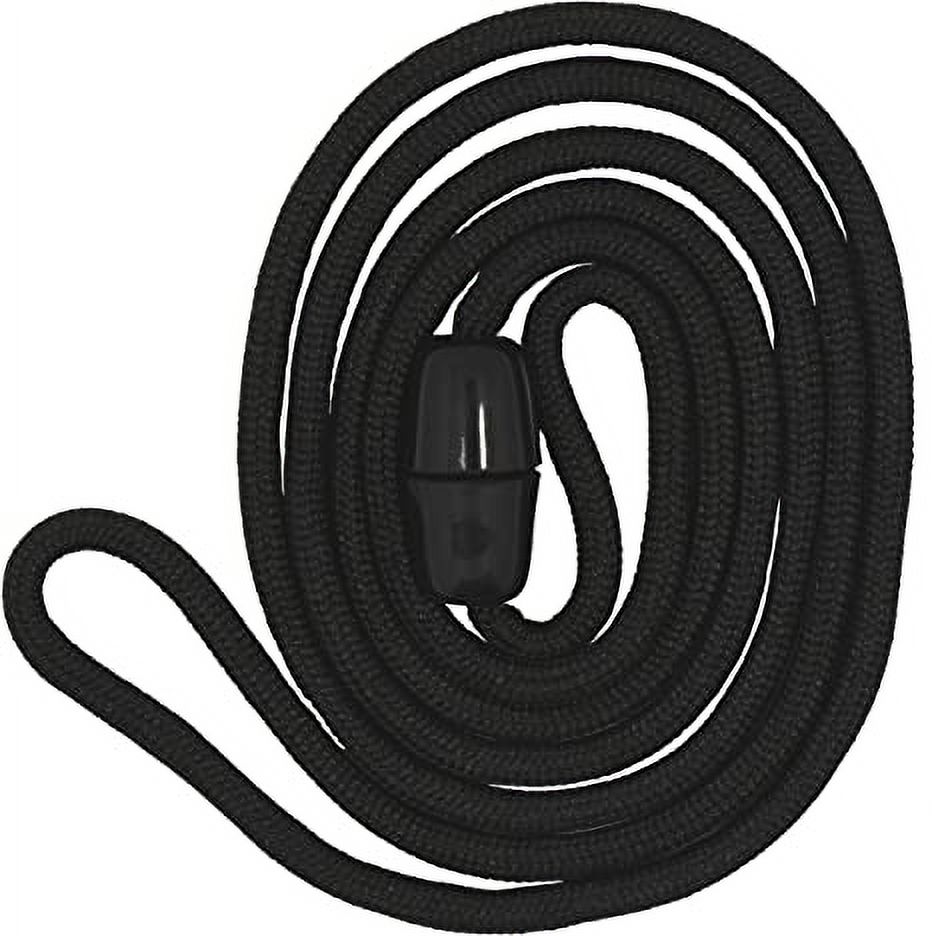
- 30 inch cord long enough lifting up to your ear and a key ring. Alternation for atomic talking wrist watch, braille watch for the blind, large face watch for women, low vision watch, low vision watches for women, senior watches, English watch, watch for seniors and watches for women with numbers.
- UK & USA use only
| Color type | Silver |
|---|---|
| Keychain type | Key Chain |
| Dimensions | 5.80 x 2.30 x 1.50 Inches |
| Weight | 1.59 oz |
| Features | Automatic |
| Metal type | Silver |

Bestseller ranking
Hitch Steps



Customers who viewed this product also viewed
Keychains
![Uxcell 55 Pcs Blank Hotel Keychain Tags - Dark Blue Vintage Motel Key Tag Plastic Rhombus Keychain with Key Ring,[for Vinyl DIY Crafts Car Ornament Sublimation Luggage Label]](https://i5.walmartimages.com/seo/Uxcell-55-Pcs-Blank-Hotel-Keychain-Tags-Dark-Blue-Vintage-Motel-Key-Tag-Plastic-Rhombus-Keychain-Key-Ring-for-Vinyl-DIY-Crafts-Car-Ornament-Sublimati_3be85775-ce93-469e-aae4-5ffb10f892f7.fb9f5d1a41392c58f0aaa8a6d1f8fcfd.jpeg)


Correction of product information
If you notice any omissions or errors in the product information on this page, please use the correction request form below.
Correction Request Form